Every kind of finish
Paint, flooring, tile, wallpaper, wood and stain — each with the fields that matter for it.
Home Finish Passport · Android
Paint colors, flooring SKUs, tile and grout, wallpaper dye lots — saved room by room, backed up, and found again in seconds when something needs a touch-up.
Why PaintBook
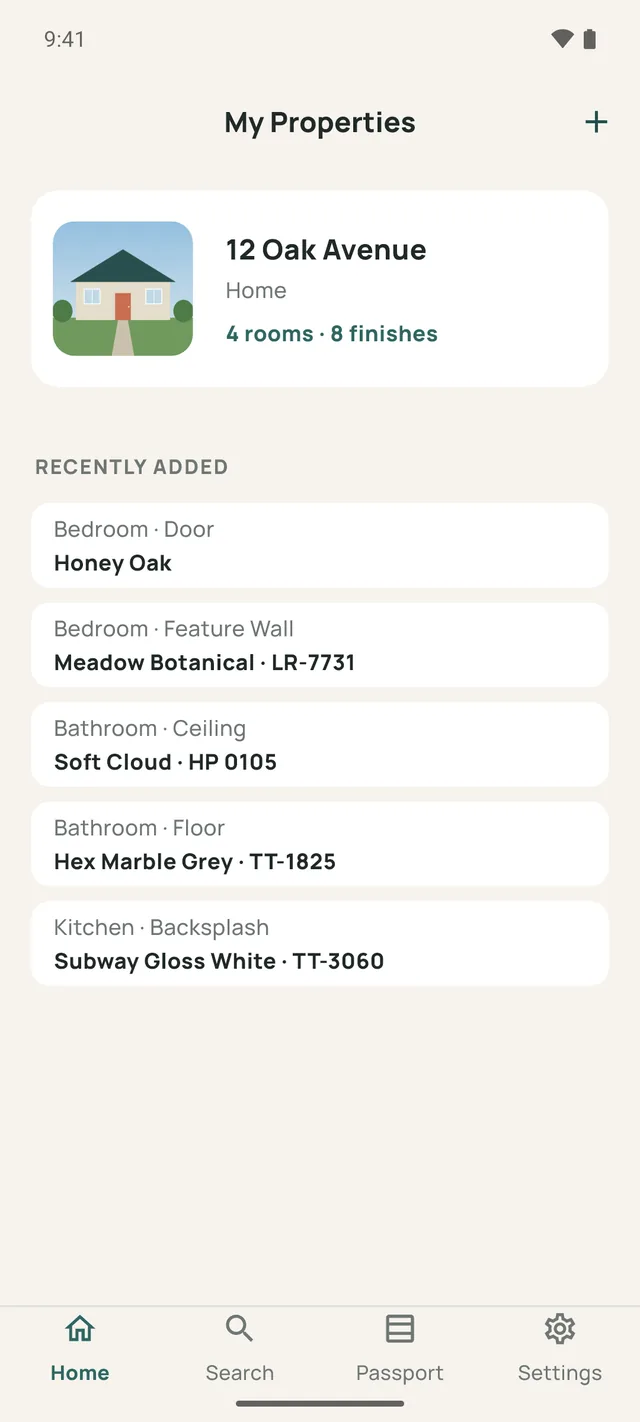
The hallway gets scuffed. A tile cracks by the shower. A buyer asks what's on the floors. PaintBook answers one question: what exact product was used here, and what do I need to buy it again?
A scuff on the wall, a chipped tile, a new cabinet door that has to match the rest.
Every finish in it, listed by surface — walls, ceiling, trim, floor, backsplash.
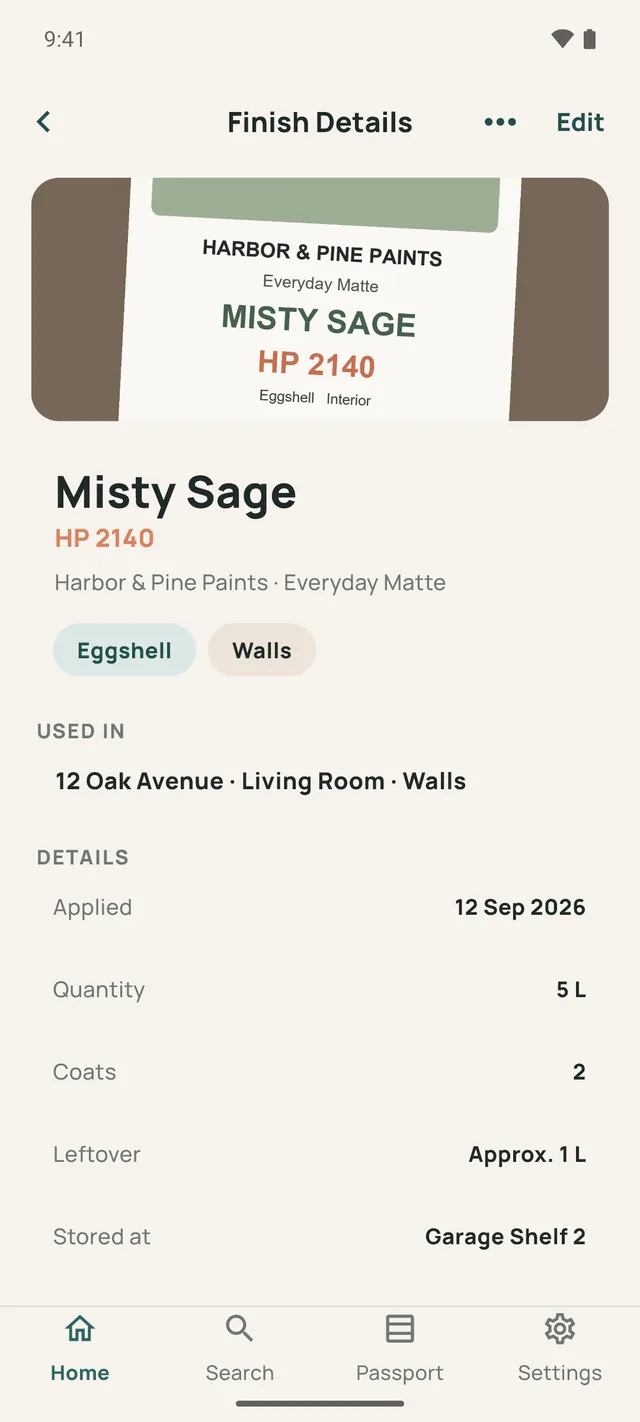
Brand, color code, sheen, SKU and batch are all there — and the leftover can might already be on Shelf 2.
Features
Built for the moment years from now when nobody remembers which white went on the trim.
Paint, flooring, tile, wallpaper, wood and stain — each with the fields that matter for it.
Add a home, a rental or a client's property, then save what's on each surface of each room.
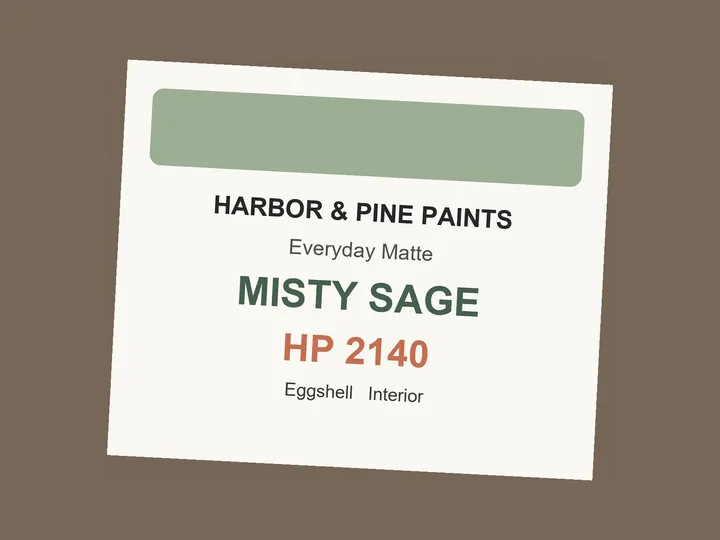
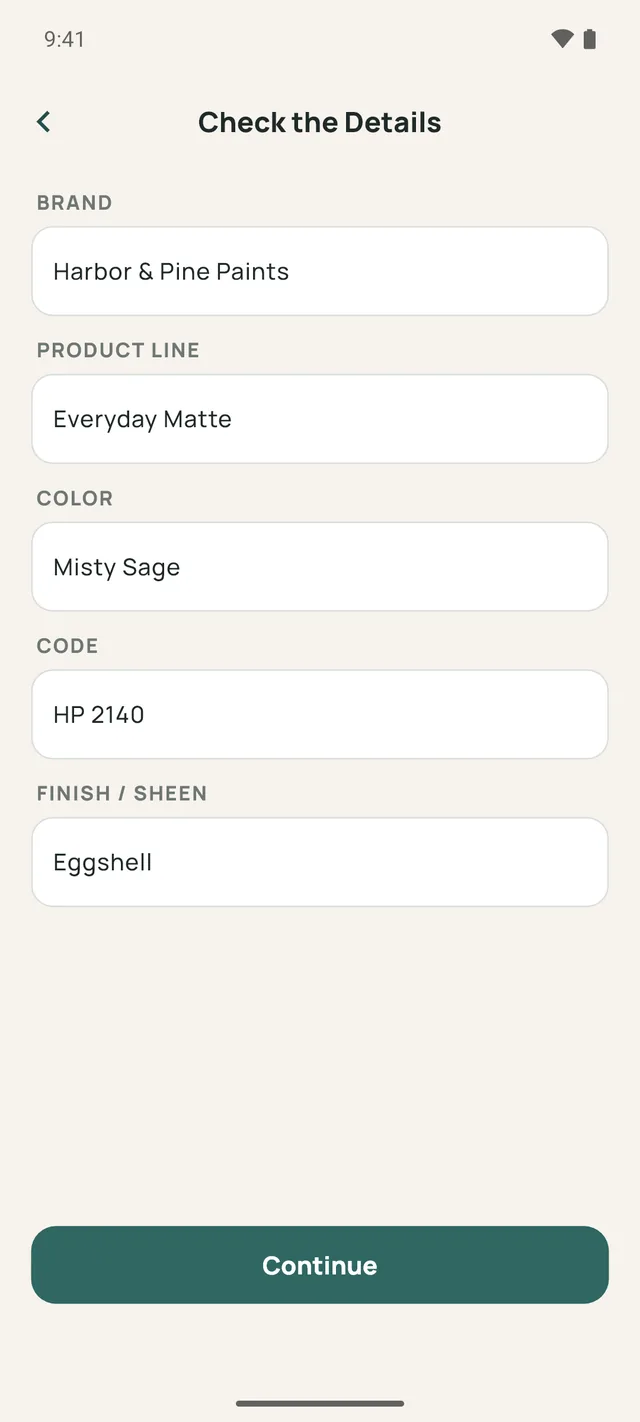
Photograph the label and PaintBook fills in the brand, color name, code and sheen for you to check.
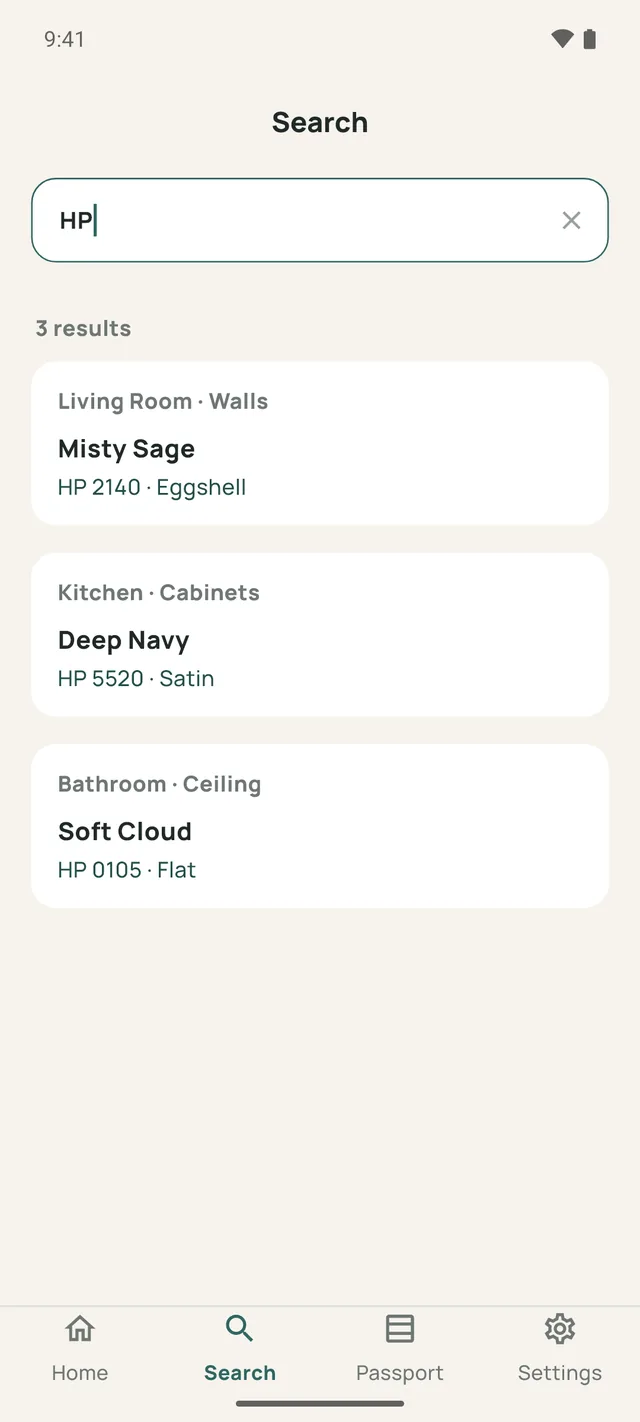
Search by color, code, SKU, brand, room or storage spot.
SW9130 and SW 9130 find the same thing.
Keep the product label, the finished area and the receipt with each record.
Save in a basement with no signal; it syncs later. A new phone changes nothing — just sign in.
Room by room
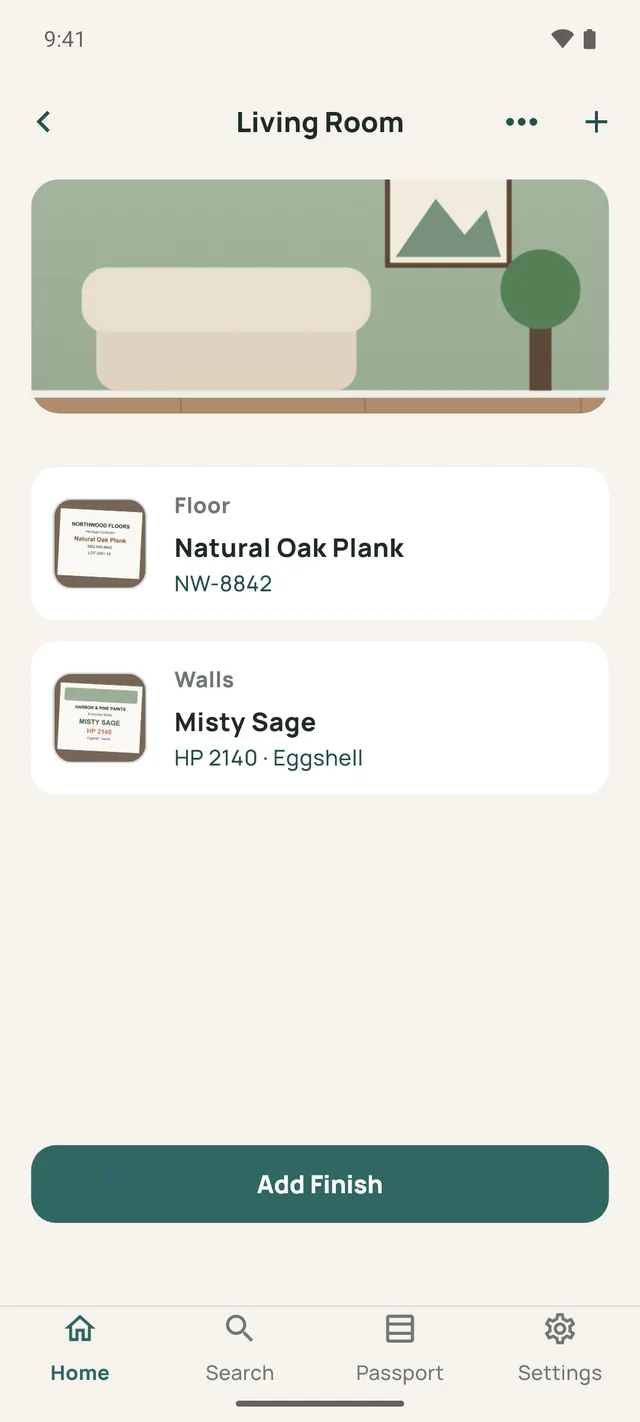
Add a property and its rooms, then save the finishes used in each one. Only one useful detail is required, so you're never stuck on a SKU you don't have.
Finish details
Each record keeps what a store will ask you for — and what you'll have forgotten by next spring.
Smart Scan
Point the camera at a paint can, a flooring box or a tile carton. The text is read on your phone, and the details are filled in for you to check before anything is saved.
The Free plan includes 2 Smart Scans. Pro scans without limit.
What you can record
A paint can and a box of tile ask for different things. PaintBook asks for the ones that help you buy it again.
Every record can also hold its surface, notes, where you bought it, quantity, purchase date and photos.
Search
Type whatever you remember. PaintBook looks through every property, room and finish at once.
Home Finish Passport PRO
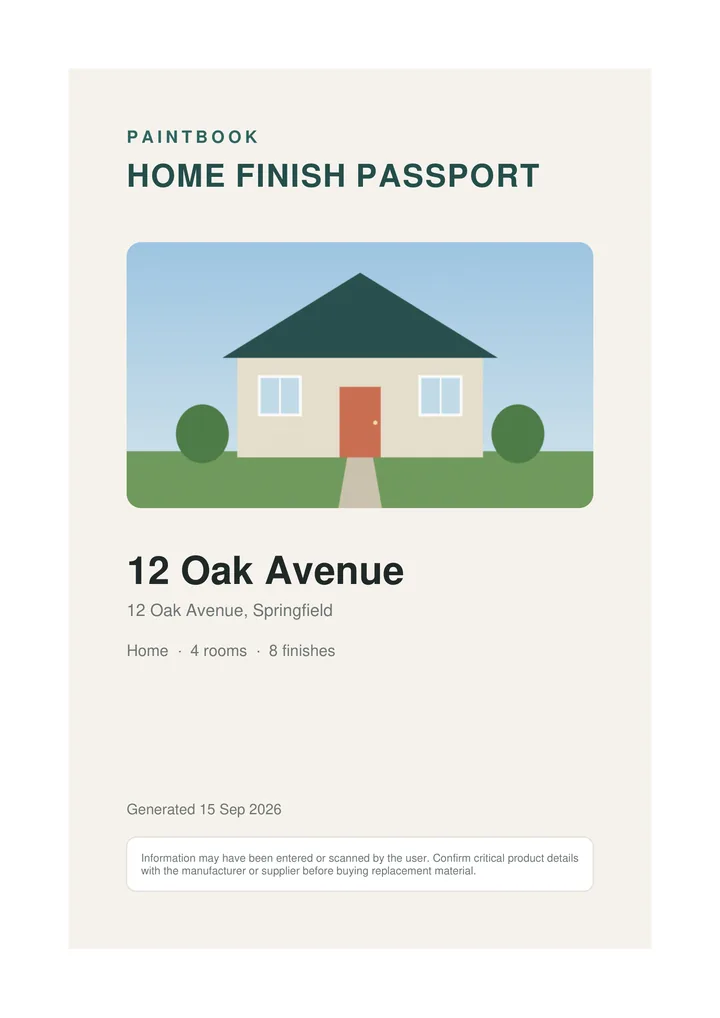
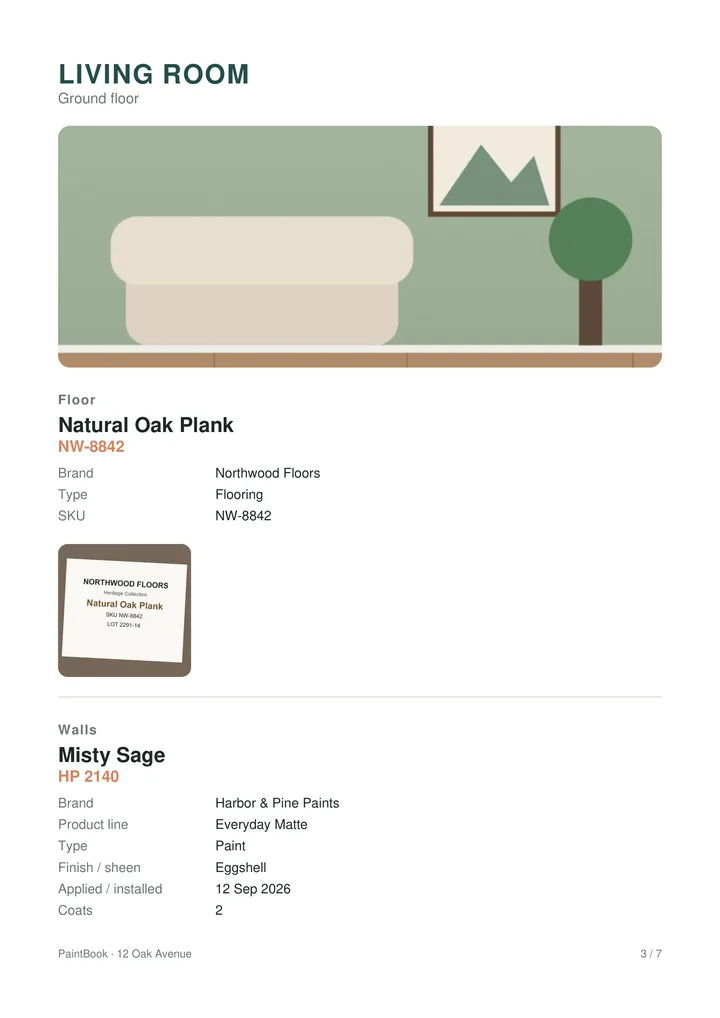
Export any property as a real PDF: a cover, a contents page, and a page for each room with every finish, its codes, dates, leftover locations and photos.
Who it's for
Stop guessing which white is on the trim. Keep a record that stays with the house, and pass it on when you sell.
Repaint between tenants without a site visit to read the can. One record per rental, spare boxes included.
Keep a record for each client's property and hand over a Passport PDF when the job is done.
Pricing
Cloud backup, search and offline access are on every plan. Keeping your records safe is never the paid part.
€0
For one home and the finishes that matter most.
from €2.99 / month
or from €19.99 / year, with a 7-day free trial
Prices exclude local sales tax, which varies by country; Google Play shows the exact amount before you confirm. Subscriptions are billed through Google Play and renew until cancelled. Cancel any time in your Play account — Pro stays on until the end of the period you've paid for.
Your data
Nothing is sold, and nothing is shared with advertisers.
You type the address yourself; the app never asks where you are.
Label text is read on the device. The photo isn't uploaded for scanning.
Remove your account and every record from Settings, any time.
FAQ
Yes. Your records are meant to last for years, so they live in your PaintBook account rather than only on the phone. That's what lets them survive a reinstall, a lost phone or a new device.
Yes. Add and edit records with no signal — they save immediately and sync when you're back online. Photos wait in a queue and upload on their own.
No, and be wary of anything that claims it can. Lighting and camera processing make that unreliable. Smart Scan reads the label on the can, box or packaging, where the color name and code are printed.
Yes. One useful detail is enough — a brand, a color name, or even a note. Codes, SKUs, receipts and dates are all optional.
Install PaintBook on the new phone and sign in. Everything is backed up to your account, so it's all there.
With Pro, open the Passport tab, choose a property and what to include, and generate a PDF you can share or keep. On Free, email us and we'll send you a copy of your records.
In Google Play → Subscriptions, or from Settings → Subscription in the app. Pro stays active until the end of the period you've paid for.
English, Spanish, French, German, Italian and Dutch.
More answers on the support page.
Get started
Free to start: one property, unlimited rooms and ten finishes. Add the paint you know first — the rest can wait for the next touch-up.
Questions, feedback, or a decorator who wants to try it with clients? Write to pebble.darbai@gmail.com.